First, understand the work
AI Consulting starts with listening: where work gets stuck, what your team has tried, and what is not ready yet. We plan around those realities.
AI CONSULTING & PRIVATE AI
Your information lives across several systems. Your team tried AI, then stopped using it. And you’re unsure whether business data will leave the organization. If that sounds familiar, let’s start with the work that gets stuck. You don’t need to have a system in mind.
Listen first Define data boundaries Stay involved after launch

ONE CONNECTED JOURNEY
Good AI starts with work you want to improve. The hardware and model come later. At PATSMILE, we listen first, plan honestly, and work through these stages together, building what is needed and staying involved after launch.
AI Consulting starts with listening: where work gets stuck, what your team has tried, and what is not ready yet. We plan around those realities.
With a clear need, we design Private AI around your organization’s control of data storage and access. We build only what the work calls for.
Next, Knowledge & Automation connects documents and existing systems so the team can use its knowledge and reduce repetition, with human review where needed.
As the system goes into use, Training & Support helps people learn through their own work. We share the knowledge and continue support within an agreed scope.
USAGE EXAMPLES
An illustrative scenario follows a team preparing a report through three connected uses of AI. It shows a possible approach, rather than results from a client project.
USAGE EXAMPLES / 01
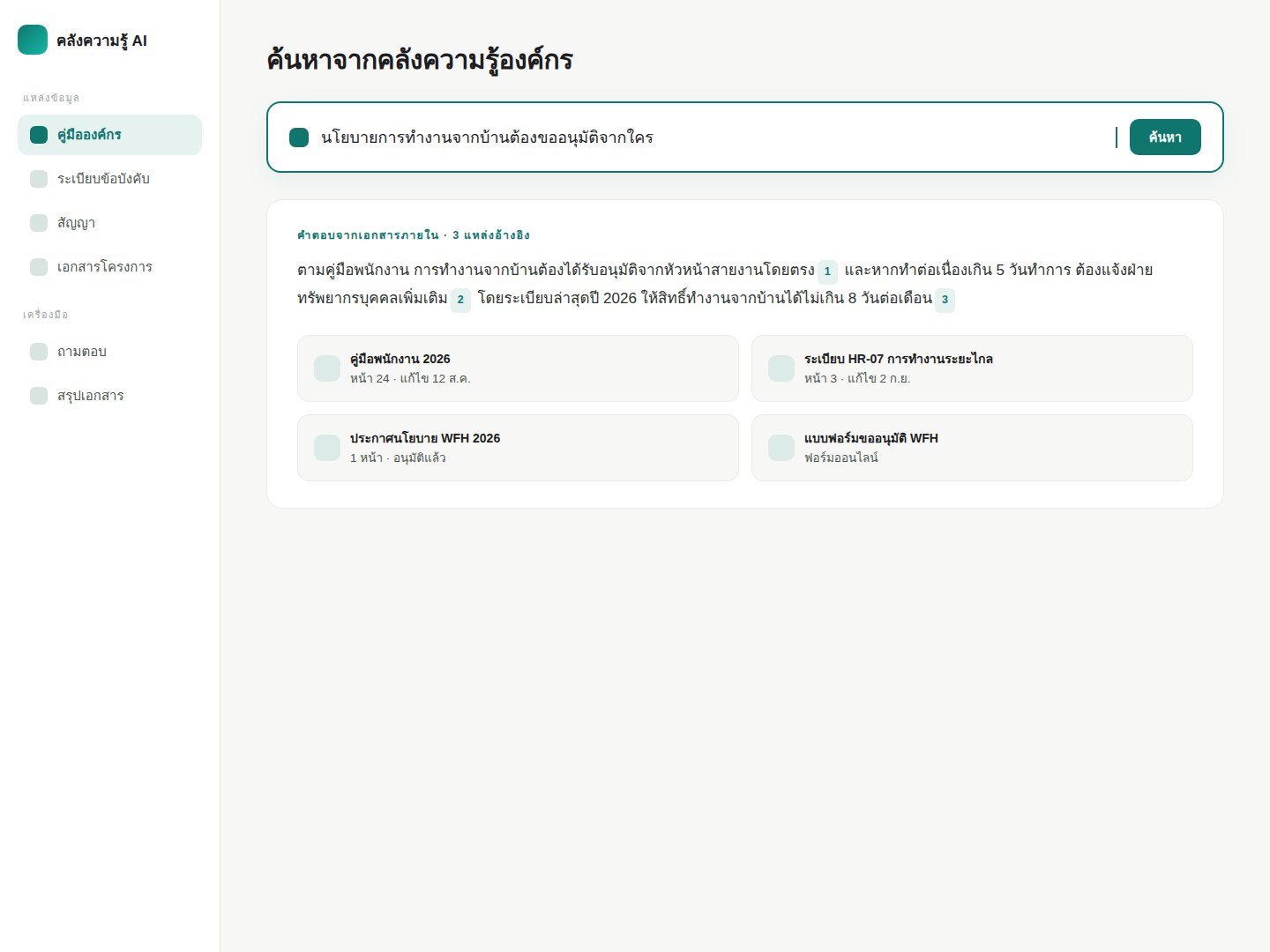
Imagine a team preparing a report, with manuals and information spread across several systems. We start by selecting the relevant documents, defining access, and making answers searchable with sources the team can check.
USAGE EXAMPLES / 02
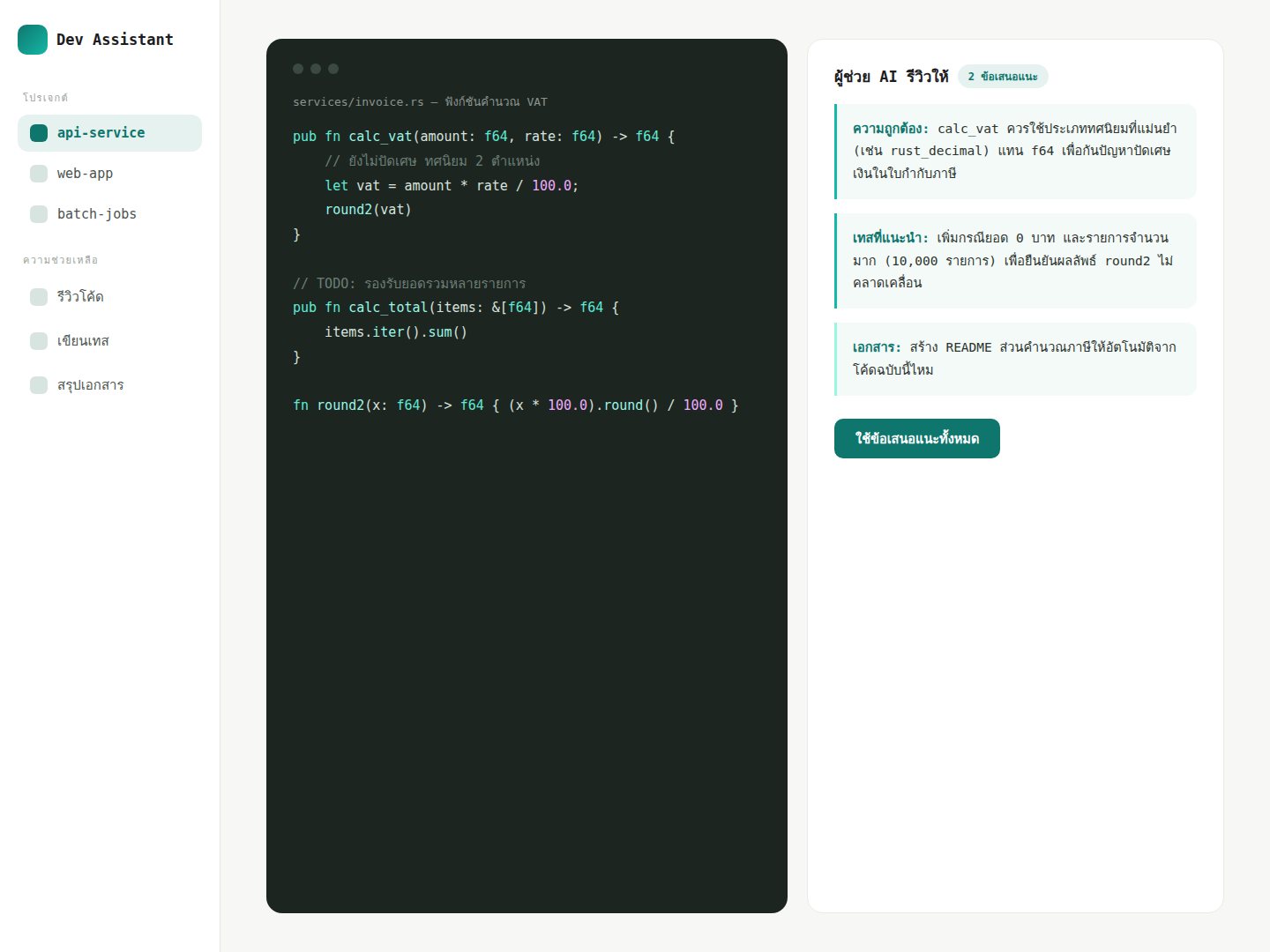
From there, the team uses that same knowledge to ask questions and draft the report as part of its daily work. People check sources and review answers before use, giving the tool a practical place in an existing routine.
USAGE EXAMPLES / 03
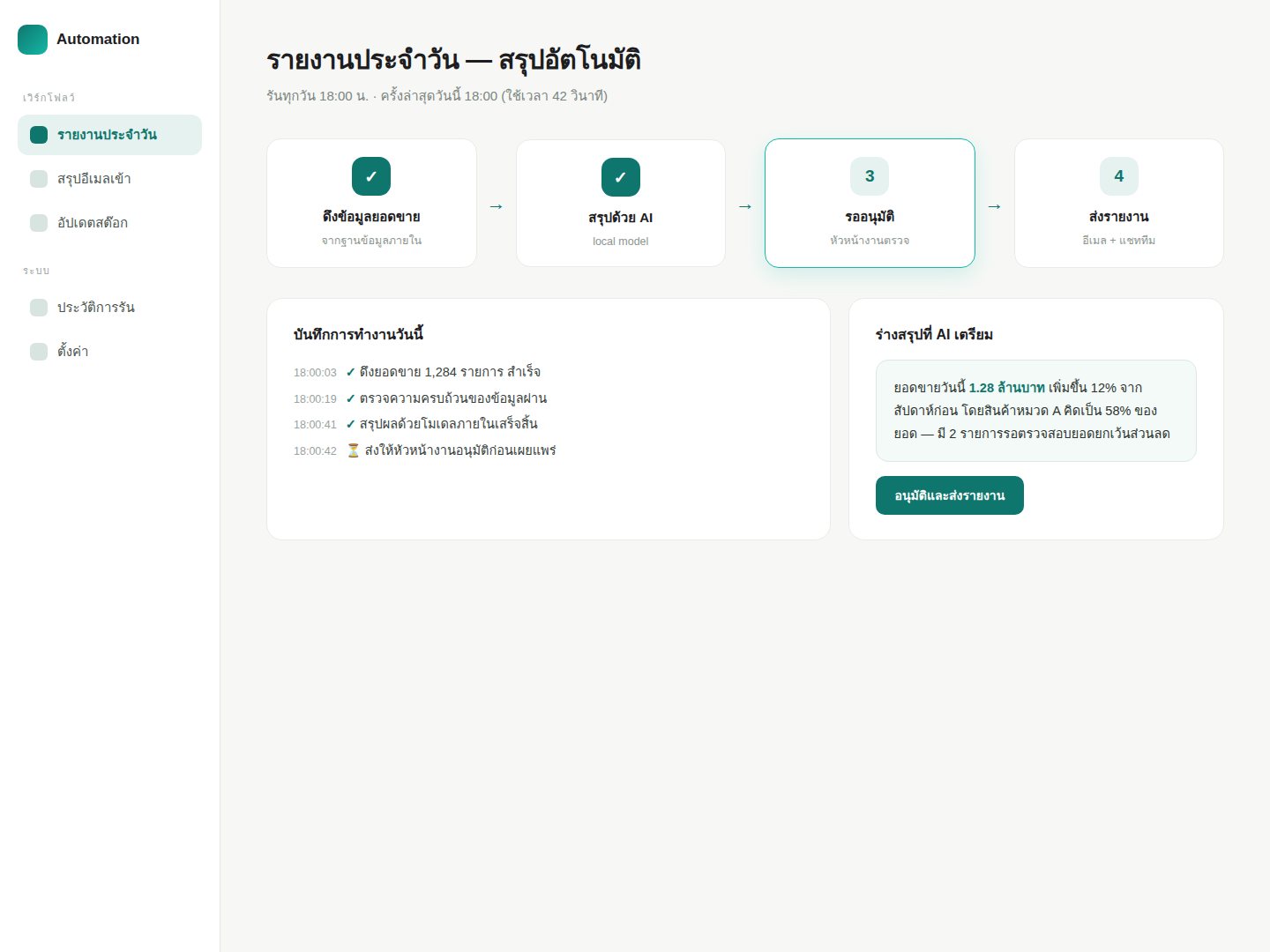
Once that works in practice, the system can gather information and draft a summary for the next report. The team still reviews and approves it before sharing, leaving more time for decisions that need their judgment.
EXPERIENCE WE BUILD ON
All five are in daily use. The first three are systems we deployed and maintain for a client; the other two were built with the same human + AI process we offer — including the site you're looking at.
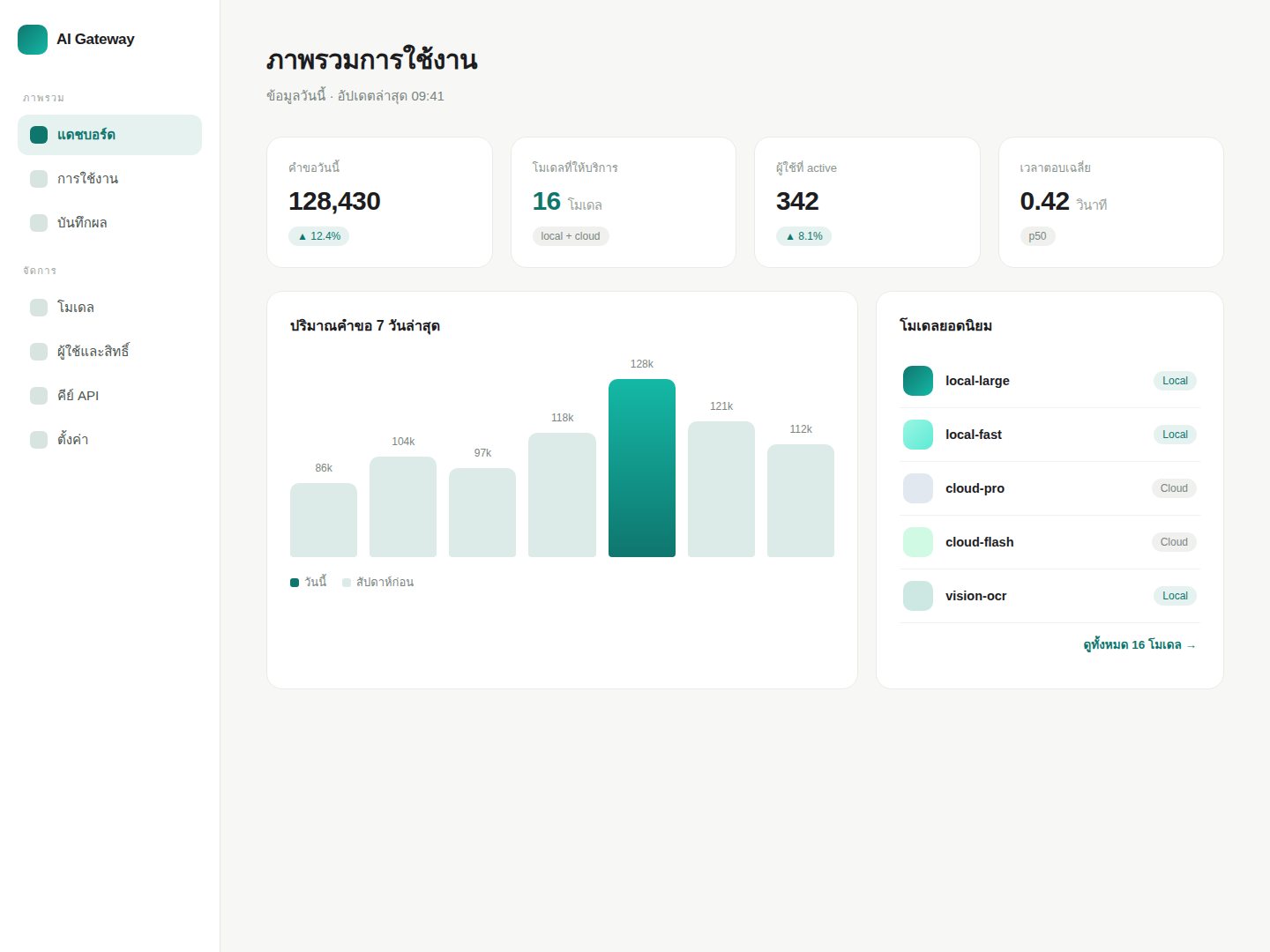
Multiple AI providers unified behind a single endpoint, with user accounts, access control, and usage tracking — letting the client's team call AI like an internal service. Live at ai.xenex.io
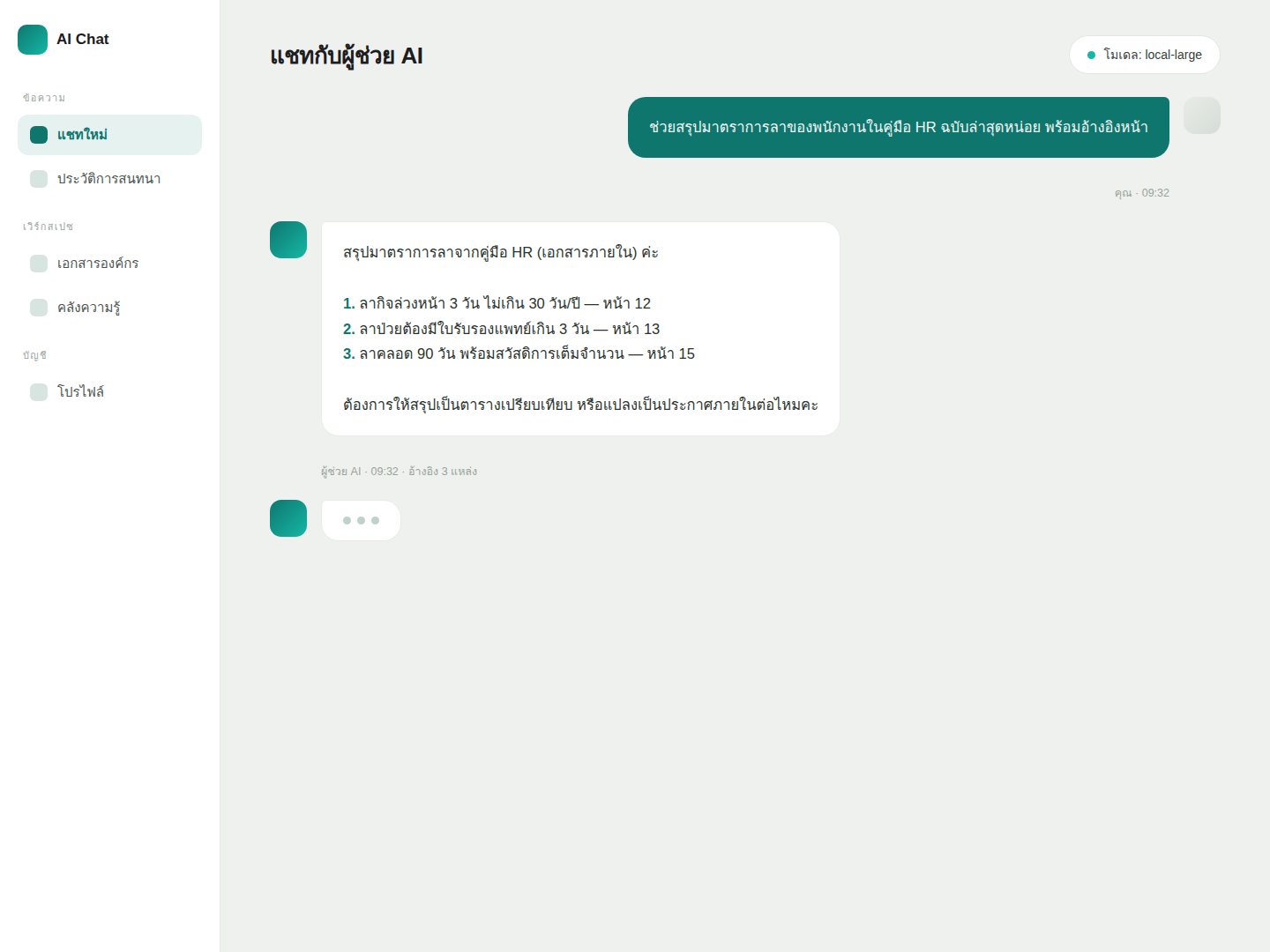
An internal team chat for AI with user accounts and per-task model selection, deployed and maintained for the client. Live at chat.ai.xenex.io
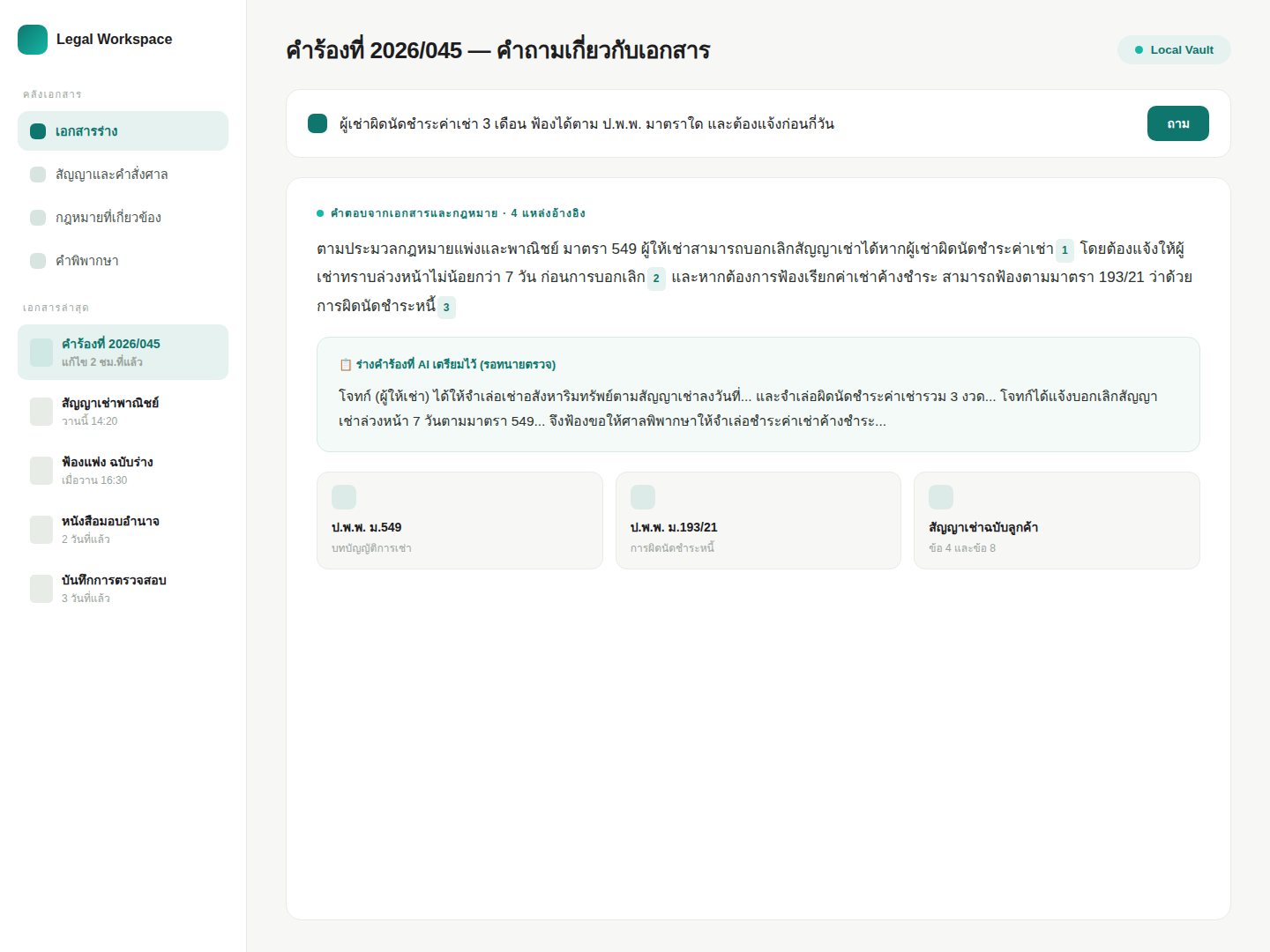
A legal drafting and document-search assistant deployed for a law firm, running entirely on the firm's own controlled data (Local Vault) and attaching sources to every answer so lawyers can verify — live at ns-legal.pg.xenex.io
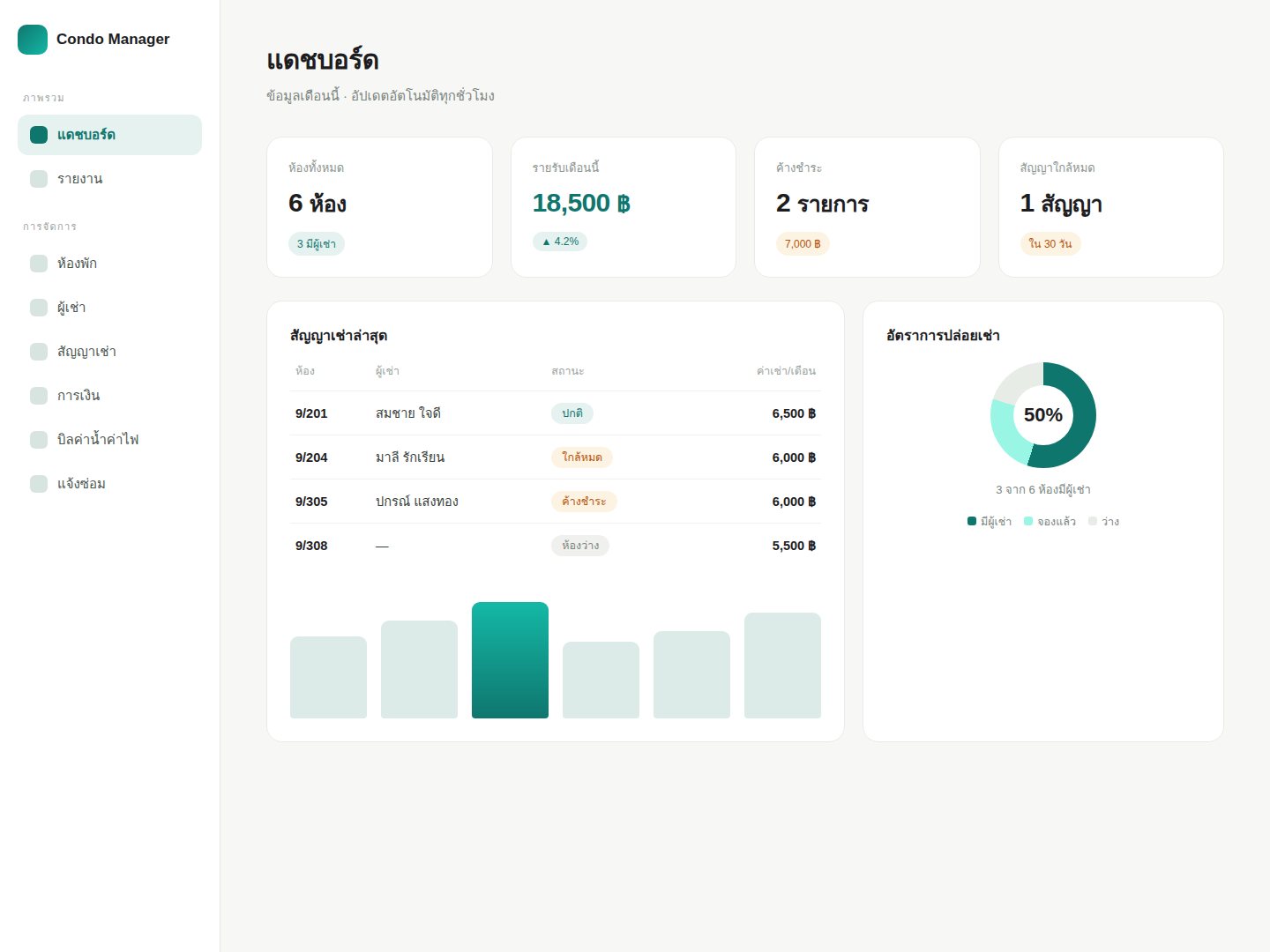
A real property management system, built entirely by AI and reviewed by a human at every step. In production use for months.
The website you are reading: story, copy, and the entire image set were built with AI under human direction. A demonstration of how we work.
HOW WE WORK
We ask about the actual work, the people doing it, and earlier attempts so we can understand what needs to change.
We choose one task, define data boundaries and success criteria, and say plainly what makes sense now and what should wait.
We test with real work and review the results together. If the pilot falls short, we adjust or stop before expanding.
We train the team on its own tasks, provide documentation, and agree on ownership and the scope of support after launch.

ABOUT / Pattawee
I’m Pattawee. I started as a developer, seeing the same problems recur: information that was hard to find and work people had to repeat. That led me to AI Infrastructure for organizations, drawing on my experience as a Software Architect, in DevOps, and with Production systems. I believe good systems need someone to care for them beyond handover. You talk directly to the person who designs and builds the system.
Let's talk about your needsFAQ
No preparation is needed for the first conversation. Tell us about work you would like to improve. We will ask about your data, the people involved, and your constraints to see whether there is a suitable task to try.
We start by understanding what got in the way and involve the people doing the work in choosing and testing a task. Practice and feedback can help make the tool fit the team, but results need to be measured before deciding to expand.
That depends on the deployment and connected services. Together, we define storage and access controls and review any data that would be sent externally before use. Security also depends on configuration, policies, and ongoing maintenance.
Not necessarily. We can start with the information needed for one pilot, checking its readiness, accuracy, and access permissions. If it is not sufficient, we will identify what needs attention before connecting the system.
Timing depends on scope, data quality, and the systems involved. Once we understand the task, we estimate a timeline and agree on a pilot and evaluation criteria before deciding whether to build further.
We can plan practice with real tasks and documentation suited to your team. Before launch, we agree on ownership, help channels, and the scope of ongoing support. If your team wants to maintain the system, we plan knowledge transfer together.
LET'S TALK
Worried about choosing the wrong starting point? We can begin with a small trial. Concerned about data? We discuss its boundaries first. If your team needs help learning, we plan for that together. No preparation needed. Just bring a task you would like to improve.
Talk about your work